
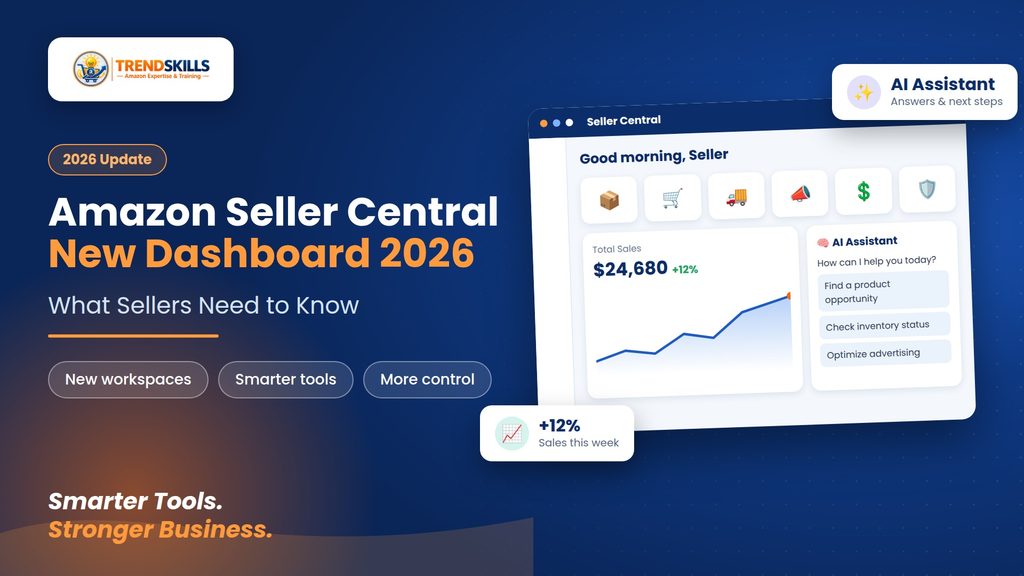
Amazon Seller Central is changing in 2026. Amazon has introduced a redesigned Seller Central experience built around dedicated workspaces, faster workflows, more personalized dashboards, and AI-powered assistance. The goal is to make it easier for sellers to find the tools, information, and actions they need to manage their businesses.
If you have opened Seller Central recently and noticed that the layout looks different or that some tools have moved, you are not alone.
In this guide, we’ll explain the Amazon Seller Central new dashboard 2026, what has changed, what the new features mean for sellers, and how you can adapt to the new experience. If you are building or growing an online business, you can also explore our e-commerce services for practical business support.
What Is the New Amazon Seller Central Dashboard?
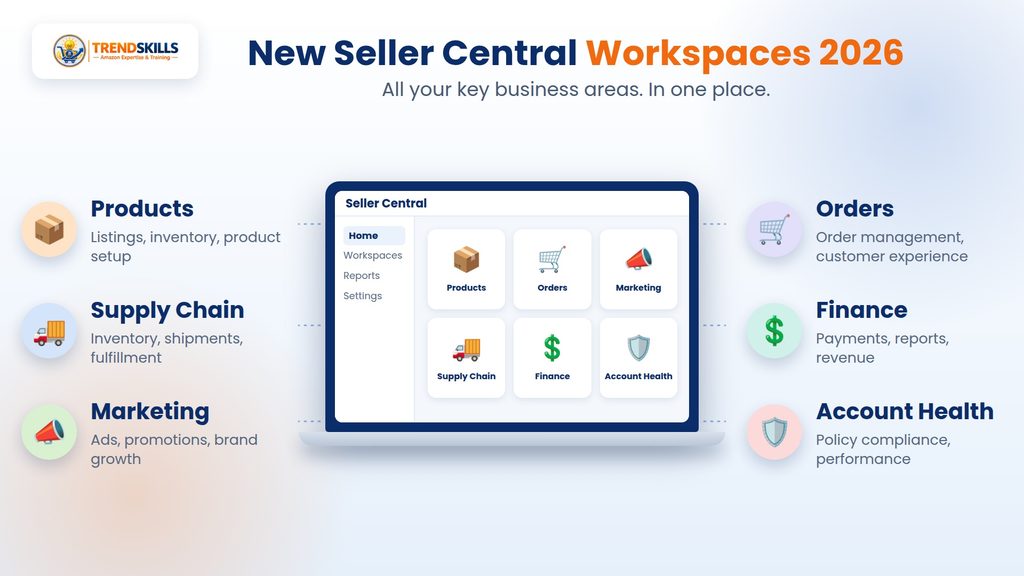
The new Amazon Seller Central experience is a redesigned way of organizing the tools sellers use to manage their businesses. Instead of relying on one large collection of menus and pages, Amazon is organizing Seller Central around dedicated workspaces and business activities.
The new experience is designed to help sellers spend less time searching for tools and more time taking action. The redesigned experience includes areas for important parts of an Amazon business, including:
- Supply chain
- Orders
- Marketing
- Finance
- Products
- Account health
- Business management
This means that sellers can find related tools and information in more logical places instead of navigating through multiple menus.
What’s New in Amazon Seller Central in 2026?
The biggest changes are focused on organization, personalization, visibility, and productivity.
Here are the major updates sellers should know about.
1. Purpose-Built Seller Central Workspaces
One of the biggest changes in the new Seller Central is the introduction of purpose-built workspaces. Amazon has reorganized tools around different areas of your business, such as supply chain, orders, marketing, and finance.
Each workspace is intended to bring relevant metrics, tools, and actions together. For example, instead of searching through different parts of Seller Central to understand your operational situation, you can use the relevant workspace to find the information and actions connected to that area of your business.
This can make everyday seller tasks easier to manage, especially as your business grows and you have more products, orders, inventory, and advertising activity to monitor.
If you are planning to launch a new Amazon store, our Amazon store creation services can help you get started with professional setup and support.
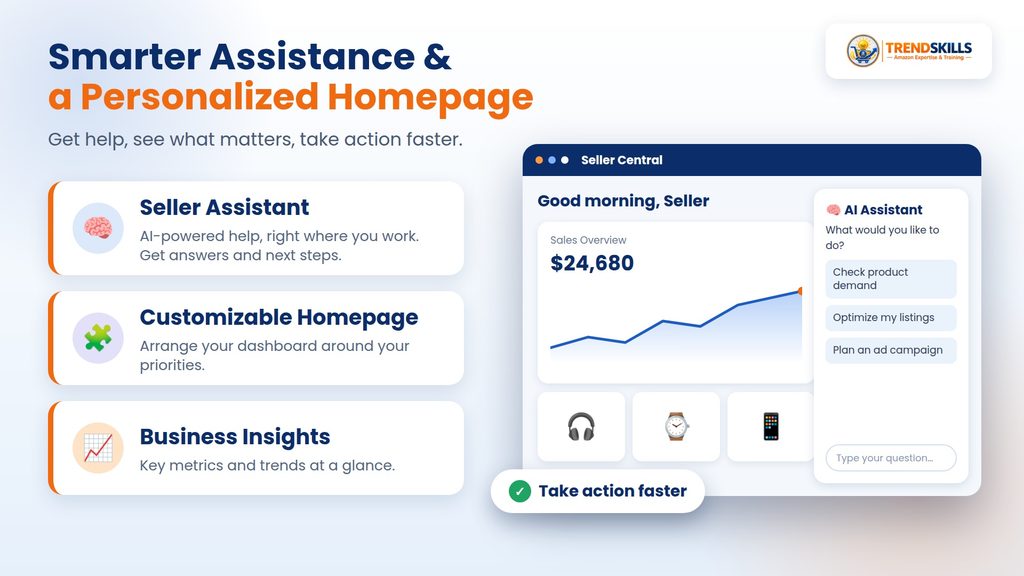
2. Seller Assistant Is More Integrated
Another important part of the new Seller Central experience is Seller Assistant. Amazon has integrated Seller Assistant into the new experience so sellers can get help while working inside Seller Central.
Instead of treating assistance as something separate from your workflow, Seller Assistant is designed to help you understand information and take action where you are already working.
For sellers, this can be useful when researching products, reviewing business information, understanding tasks, or trying to determine what action should be taken next. AI assistance is becoming an increasingly important part of e-commerce platforms, and Amazon is bringing that capability deeper into Seller Central.
For sellers who want to strengthen their Amazon skills, our Amazon courses and e-commerce training provide practical learning and guidance.
3. A More Personalized Homepage
The Seller Central homepage is also becoming more customizable. Amazon describes the new homepage as modular, allowing sellers to arrange it around the information that matters most to their business. This is useful because every Amazon seller has different priorities.
For example:
- A new seller may care most about product setup and account tasks.
- A growing seller may focus on sales, inventory, and orders.
- An established seller may spend more time on advertising, profitability, and supply chain management.
A customizable homepage means sellers can create a working environment that better matches their individual business needs.
4. Better Visibility Across Global Marketplaces
Another major improvement is the ability to see more of your global business in one place. For sellers operating across multiple Amazon marketplaces, switching between different stores and locations can make business management more complicated.
The new Seller Central experience is designed to provide a more unified view across marketplaces. This can help sellers understand what needs attention without constantly moving between different accounts or marketplace views.
For international sellers, this can be particularly useful when monitoring operations across multiple markets.
5. Faster Everyday Workflows
Amazon is also focusing on making common seller tasks faster. The new experience is designed to streamline workflows such as product setup and creating coupons.
This is important because Amazon sellers often repeat the same operational tasks many times. Even small improvements to these workflows can save time when managing a large catalog or growing an online business.
The goal of the new Seller Central is not simply to make the dashboard look different. The larger goal is to make everyday business management more efficient.
What Happened to the Old Seller Central Layout?
If the new interface looks unfamiliar, the most important thing to understand is that Amazon has reorganized the experience. Some tools may no longer appear exactly where you remember them.
That does not necessarily mean the feature has been removed. Amazon provides resources such as Where to find your tools in the new Seller Central and the Seller Central site map to help sellers locate tools that have moved.
So if you cannot immediately find a familiar feature, avoid assuming that Amazon has removed it. Instead, search for the tool in the new navigation or use Amazon’s tool-location resources.
Does the New Dashboard Change Your Amazon Business Data?
A redesigned interface does not mean that you have to rebuild your Amazon business from scratch. Your products, listings, inventory, orders, and other business information continue to be managed through Seller Central. The main change is how Amazon organizes the experience around those business activities.
This distinction is important. The dashboard may look significantly different, but sellers should focus on learning the new navigation and understanding where important workflows now live.
Why the New Seller Central Dashboard Matters for Sellers
The redesign is more than a cosmetic change. For Amazon sellers, Seller Central is the central operating environment for managing an Amazon business.
If the interface becomes easier to navigate, sellers can potentially spend less time searching for information and more time working on important business activities.
The biggest potential benefits include:
- Easier access to important tools
- More organized business information
- Better visibility across marketplaces
- More personalized dashboards
- Faster everyday workflows
- Integrated AI assistance
- Easier management as a business grows
However, there is also a learning curve. Sellers who have used the old interface for years may initially find the new organization unfamiliar.
How Amazon Sellers Should Adapt to the New Dashboard
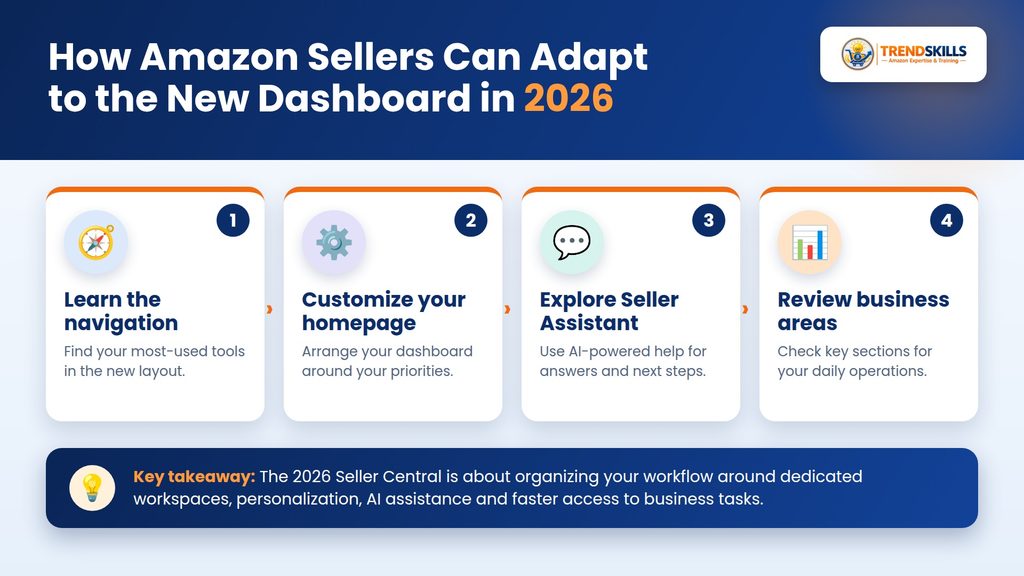
If your Seller Central account has moved to the new experience, don’t try to learn everything at once. Instead, start with the areas you use most frequently.
You can also use our free e-commerce resources to learn practical strategies and tips for building and growing an online business.
Step 1: Learn the New Navigation
Spend some time exploring the new navigation and identifying where your most-used tools are located. Make a short list of the features you use every week.
For example:
- Product listings
- Inventory
- Orders
- Advertising
- Payments
- Account health
- Reports
- Business analytics
Then locate each one in the new interface.
Step 2: Customize Your Homepage
Take advantage of the new homepage customization options.Place the information and tools you use most frequently where they are easy to access. A personalized dashboard can reduce unnecessary navigation throughout the day.
Step 3: Explore Seller Assistant
Seller Assistant is worth exploring if it is available in your account. Use it to understand how Amazon’s new AI-powered assistance fits into your regular workflow. Rather than relying on it for every decision, use it as an additional source of guidance while you work inside Seller Central.
Step 4: Check Your Important Business Areas
After becoming familiar with the new interface, review the areas that have the biggest impact on your business.
Pay particular attention to:
- Products
- Inventory
- Orders
- Finance
- Marketing
- Supply chain
- Account health
Make sure you know where to find the information you need before you actually need it.
Step 5: Update Your Team’s Workflow
If you have employees, virtual assistants, or an Amazon management team, make sure everyone understands the new navigation. A simple internal guide showing where frequently used tools are located can save a lot of time.
Is the New Amazon Seller Central Better?
The answer depends on how you use Seller Central. The new experience is designed to make Seller Central more organized, personalized, and efficient.However, any major interface redesign requires an adjustment period.
Experienced sellers may initially prefer the familiar old layout simply because they already know where everything is.Over time, the new workspace-based approach can become easier to use, particularly for sellers who manage multiple areas of their business. The important thing is to learn the new system rather than trying to work against it.
What Should Amazon Sellers Do Now?
If you are seeing the new Amazon Seller Central dashboard, the best approach is to gradually adapt your workflow. Start by learning where your most important tools are located, customize your homepage, explore Seller Assistant, and become familiar with the new business workspaces.
You don’t need to master every feature on day one. Focus on the tools you use most often and expand your knowledge from there.
Final Thoughts
The Amazon Seller Central new dashboard 2026 represents a major change in how Amazon organizes the seller experience. With purpose-built workspaces, integrated Seller Assistant, a customizable homepage, improved visibility across marketplaces, and faster workflows, Amazon is moving Seller Central toward a more organized and intelligent business-management experience.
For sellers, the key is not to worry about every interface change.Instead, learn the new navigation, understand where your most important tools are located, and adjust your daily workflow accordingly.
If you need professional help with your Amazon or e-commerce business, explore our e-commerce services.
If you are building or growing an Amazon business and need help with your store setup, strategy, or e-commerce skills, Trend Skills LLC can help you build the practical knowledge and support you need to move forward.
Ready to build and grow your Amazon business? Explore our e-commerce services and Amazon training options, or contact Trend Skills to discuss your business goals.